




Coolzino App for Mobile and Desktop
The Coolzino app gives Android and iOS users the same casino features as the desktop platform in a phone-friendly format. Thousands of games and current promotions are available. The responsive interface fits your screen and keeps navigation smooth. Your saved games open from the home screen with one tap.



Why Use the Cool Zino App
The Coolzino app keeps our online casino and essential account tools within easy reach when you are away from your computer. As a Progressive Web App (PWA), it installs directly through the browser. There is no need to visit an app store or wait for a large download. The app uses minimal storage and stays up to date. It also sends notifications about casino offers and events.
The desktop version provides more screen space for longer sessions and live casino play. The mobile app focuses on fast access wherever you are. Both versions include the same features and keep your account synchronized.
| Comparison | Coolzino Casino App | Desktop Platform |
| Access | Opens from the home screen with one tap | Opens through the web browser |
| Updates | Updates automatically in the background | Runs through the latest browser version |
| Notifications | Sends instant alerts about casino offers and events | Uses the browser notification settings |
| Portability | Designed for play on a phone or tablet | Designed for play at a desk |
| Display | Adapted for touch controls and smaller screens | Uses a larger high-resolution display |
| Casino Access | Provides full access to games, payments, bonuses and account tools | Provides the same complete casino feature set |
Coolzino App for Android
Our app runs on Android devices with a stable internet connection. It does not require high-performance hardware. Players receive full access to bonuses and payments with fast loading. As a PWA, the app uses little storage and updates automatically.
No APK Download Required
The Coolzino app does not require an APK file. The Progressive Web App installs directly from the Cool Zino website through your browser. This keeps installation secure and removes the need for third-party sources.
Install the Coolzino PWA on Android
Installation takes only a few seconds. Open the Coolzino website and select the browser menu. Choose “Add to Home Screen” and confirm the action. The shortcut then appears on the main screen. Tap it to open Cool Zino Casino instantly.
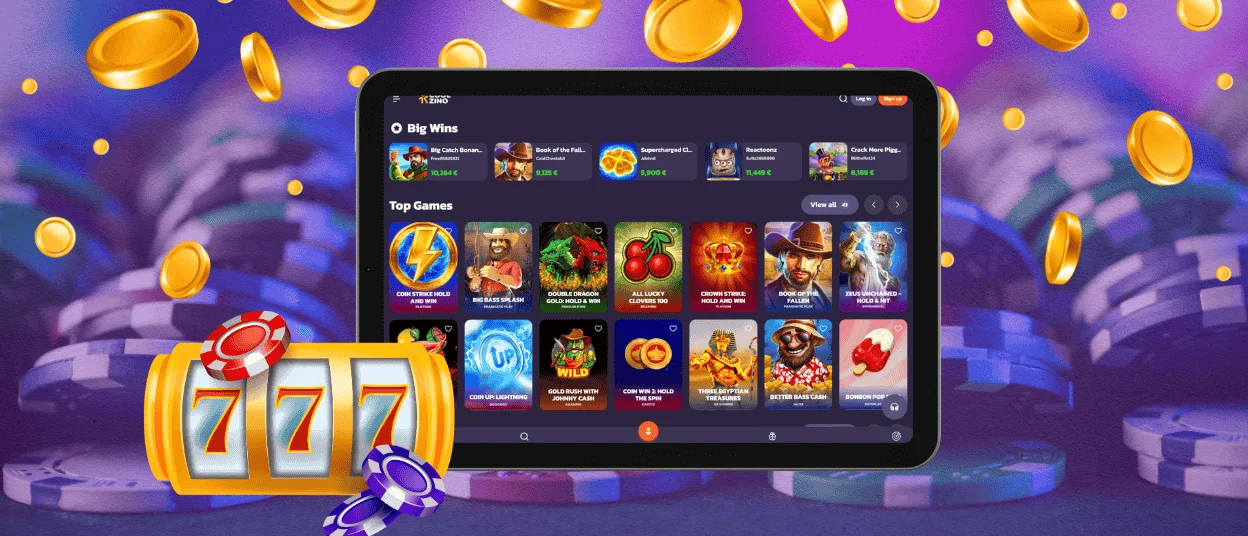
Coolzino App for iOS
Our iOS app works as a Progressive Web App on iPhone and iPad. Coolzino opens through Safari, so the App Store and a separate download are not required. Add it to the home screen to access the welcome package and the other available benefits. The app loads quickly and updates automatically. It provides the full casino experience in a format adapted to a smaller screen.
Install the Coolzino App on iOS
The Cool Zino app takes only a few seconds to add to an iOS device:
- Open the Coolzino website in Safari.
- Tap the “Share” button at the bottom of the screen.
- Select “Add to Home Screen,” then tap “Add” to confirm.
The icon appears on the home screen after installation. Tap it once to open the casino whenever you are ready to play.

Coolzino App for Windows and macOS
The platform runs on PC via a browser. Just type Coolzino to visit the platform. Create a desktop app shortcut for faster access. That means you don’t have to type in the brand name or search for saved games each time.
Coolzino Casino desktop app delivers the full casino experience to Windows and macOS computers. It works as a Progressive Web App via a desktop shortcut, so no big install file is required. One-click instant startup, fast loading, and automatic updating to the latest version. No manual updates required.
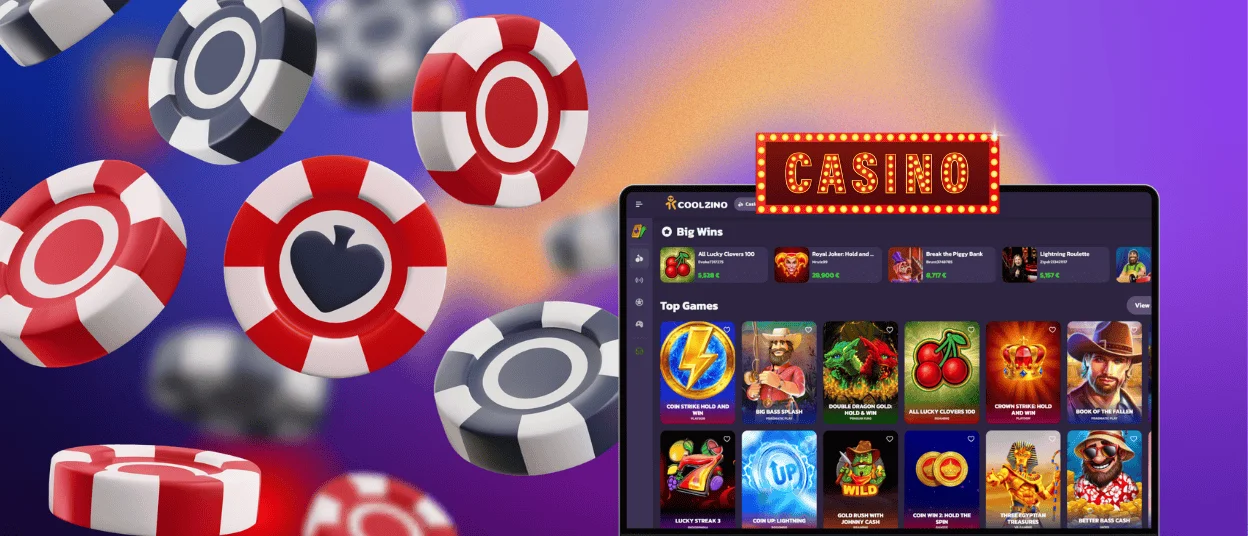
Saved games load quickly so you can jump right back into the action. The PC app Coolzino has all the functionality of the mobile app and website. Verify and manage your account in one place. The big-screen layout is ideal for live dealer and high-resolution slots.
FAQ
Is an Account Required for the Cool Zino App?
You can install and open the Cool Zino app without registration. To claim bonuses, make withdrawals, and enter tournaments, you need an account. Registration is free and only takes a couple of minutes – and then you’ll enjoy unlimited access. If you don’t have an account, you can only browse the platform.
Does My Balance Update Across Devices?
Your Cool Zino account synchronizes across devices in real time. Sign in on your phone and continue on your desktop with the same balance and settings. Your account stays current so that you can resume from the same point. Our support team is available through live chat and email if you need help.
Are All Games Available in the Coolzino App?
The Coolzino app provides the complete game library. This includes online slots and table games. Live dealer titles and crash games are also available. The same promotions and tournaments remain accessible through the same account tools. The app delivers the same casino experience as the website in a phone-friendly format.


